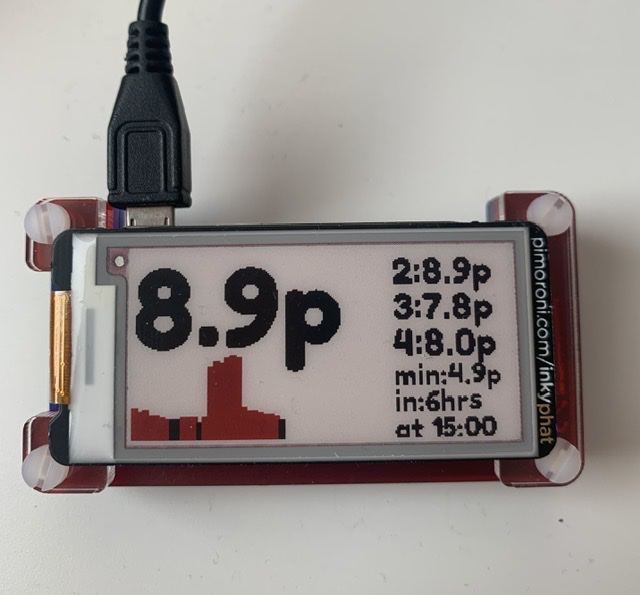
So, to try and make things easier, I discovered an article on the Octopus web site https://octopus.energy/blog/agile-smart-home-diy/ which showed how to configure a Raspberry Pi Zero to become a smart display. It links to the Octopus Energy API and automatically downloads the upcoming rates every evening and changes the display every half an hour to show the current electricity rate and a graph showing when it is going up and down.
 This was a real game-changer for us and once stuck in a case and mounted in the kitchen, it meant we could choose when to set the washer or dishwasher going to minimise the costs.
All the details on where to get the bits and how to set it up are here: https://github.com/pufferfish-tech/octopus-agile-pi-prices/blob/master/README.md
Leave a Reply